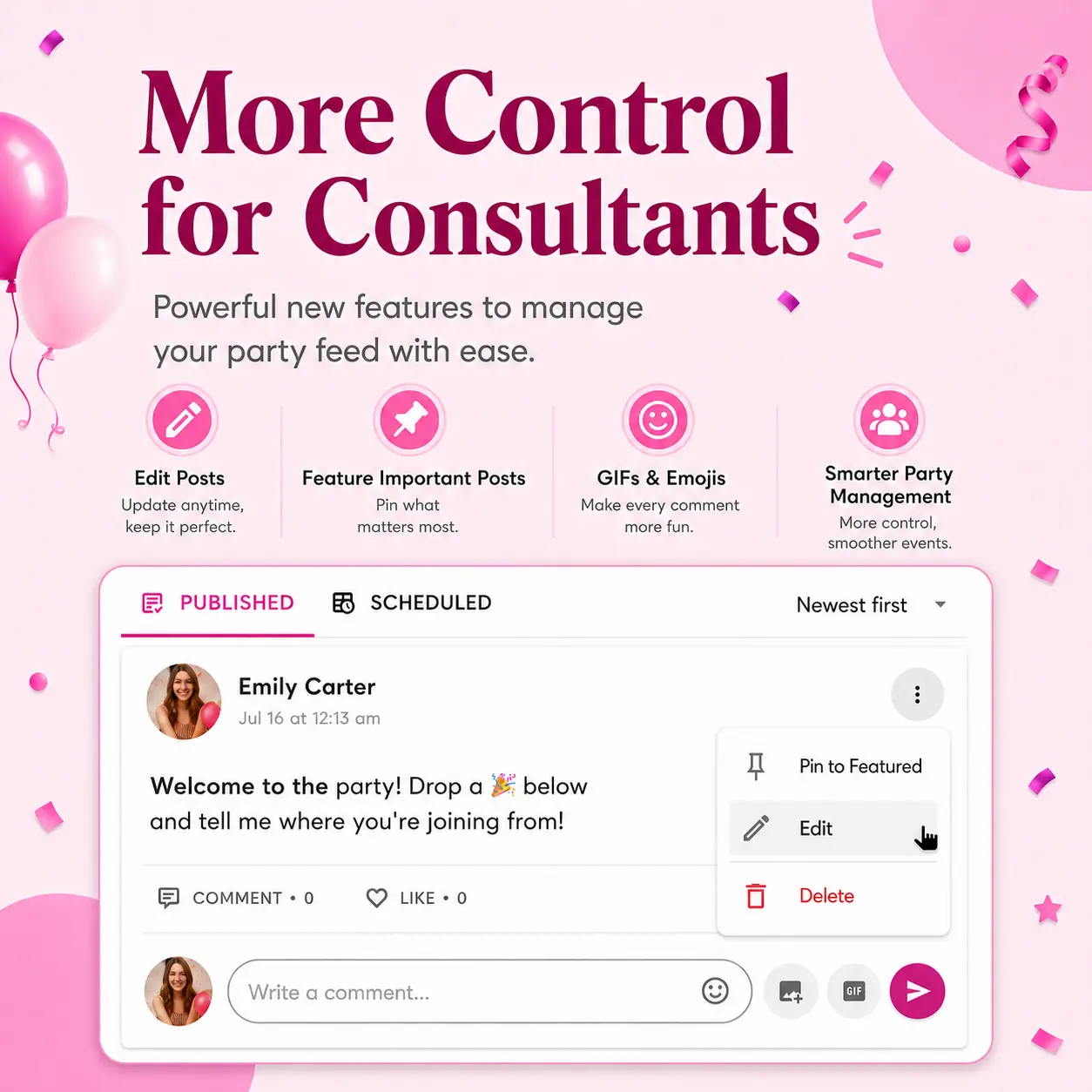
New Virtual Pop-Up Updates: Feed Sorting, Scheduled Posts, GIFs, Emojis, Editing, and More
Virtual Pop-Ups just got even better.
We’ve launched more improvements to make your parties easier to manage, easier for guests to follow, and more fun to interact with.
These updates are all about giving consultants more control while making the guest experience smoother.
Here’s what’s new inside Virtual Pop-Ups.
New: Sort the Party Feed
Guests, consultants, and party participants can now sort the party feed.
That means each person can choose how they want to view posts inside a Virtual Pop-Up.
You can sort by:
✔ Newest first
✔ Oldest first
This is a small update that can make a big difference.
Some parties work better when guests see the newest posts first.
Other parties work better when guests start at the beginning and move through the content in order.
Now, the feed is easier to follow.
If a guest joins late, they can start from the beginning.
If a guest wants to see the newest update, they can sort that way too.
This makes Virtual Pop-Ups more flexible for different party styles.
New: Consultants Can Set the Default Feed Sort
Consultants and party owners can now set the default feed sorting for each party from the PostMyParty dashboard.
This means you can choose how the feed should appear when guests first enter the party.
This is helpful because different party styles need different flows.
For example, if you are running a party where the order matters, you may want guests to see the oldest posts first.
That way, they can start at the beginning and follow along step by step.
If you are running a fast-moving party, flash sale, or VIP event, you may want guests to see the newest posts first.
That way, the most recent updates are right at the top.
This gives consultants more control over the guest experience.
New: Consultants Can See Scheduled Posts
Consultants and party owners can now see scheduled posts inside their Virtual Pop-Up.
This makes it much easier to manage upcoming party content.
Instead of wondering what is coming next, you can quickly check the scheduled tab and see what posts are waiting to go out.
This is especially helpful for:
✔ Multi-day parties
✔ Launch events
✔ VIP groups
✔ Team groups
✔ Flash sales
✔ Parties with lots of scheduled content
When you can see what is scheduled, it is easier to stay organized.
You can review your content, check timing, and make sure your party is ready to go.
New: Edit or Delete Posts
Posts can now be edited or deleted by the consultant, party owner, or the person who created the post.
This gives you more control when something needs to be changed.
Maybe you spot a typo.
Maybe a link needs to be updated.
Maybe an offer changed.
Maybe you posted something and want to remove it.
Now, those updates are easier to make.
This helps keep your party clean, accurate, and up to date.
And that matters because guests should always have the correct information.
New: Edit Comments
Comments can now be edited by the person who created the comment.
This is helpful for both small fixes and clearer communication.
If you make a typo, forget a detail, or want to clarify your comment, you can edit it instead of deleting and reposting.
This keeps conversations cleaner and easier to follow.
It also helps everyone communicate better inside the party.
New: GIF Picker for Posts, Comments, and Chat
Virtual Pop-Ups are not just about posting information.
They are about creating interaction.
That’s why we added a GIF picker.
You can now add GIFs to:
✔ Posts
✔ Comments
✔ Chat messages
This makes it easier to add personality, fun, and energy to your party.
GIFs are great for:
✔ Welcoming guests
✔ Celebrating orders
✔ Reacting to comments
✔ Making games more fun
✔ Keeping the party light and engaging
✔ Adding personality to your messages
Sometimes a fun GIF can help a party feel more alive.
And that can help guests feel more comfortable interacting.
New: Emoji Picker for Posts, Comments, and Chat
We also added an emoji picker.
You can now add emojis more easily inside:
✔ Posts
✔ Comments
✔ Chat messages
This makes it easier to write fun, friendly, and engaging messages.
Emojis can help your posts feel warmer and more personal.
They can also help important posts stand out.
For example, you can use emojis for:
🎉 Giveaways
🔥 Special offers
📌 Important reminders
🛍 Shopping links
⏰ Final call posts
💬 Conversation starters
This helps make Virtual Pop-Ups feel more natural and interactive.
Improved: Comment and Reply Notifications Open the Right Place
We also improved how comment and reply notifications work.
Now, when someone clicks a comment or reply notification, it should open the post with that specific comment or reply already loaded.
This makes it much easier to jump back into the conversation.
Before, if someone got a notification, they might still have needed to search for the right post or scroll to find the right comment.
Now, the goal is to take them directly to the conversation they need to see.
This is important because conversations move the party forward.
If someone replies to a question, the guest should be able to get back to it quickly.
If the consultant or party owner gets a comment notification, they should be able to respond faster.
This makes the party feel smoother and more connected.
Why These Updates Matter
These updates may seem simple, but together they make Virtual Pop-Ups much better for real parties.
They help consultants stay organized.
They help guests follow along.
They make conversations easier.
They make the party more fun.
They also help Virtual Pop-Ups feel more like a real, active party space.
You can:
✔ Sort the feed
✔ Set the default party flow
✔ Review scheduled posts
✔ Edit posts when needed
✔ Edit comments you created
✔ Add GIFs and emojis
✔ Jump back into conversations from notifications
That means less friction and more engagement.
And that is exactly what Virtual Pop-Ups are built for.
Virtual Pop-Ups Are Becoming a Better Party System
Virtual Pop-Ups are not just a one-time party page.
They are becoming a more complete system for direct sellers.
A system where you can:
✔ Invite guests with a simple link
✔ Collect guest contact info
✔ Use your party templates
✔ Schedule posts
✔ Keep guests updated
✔ Chat with guests
✔ Feature important posts
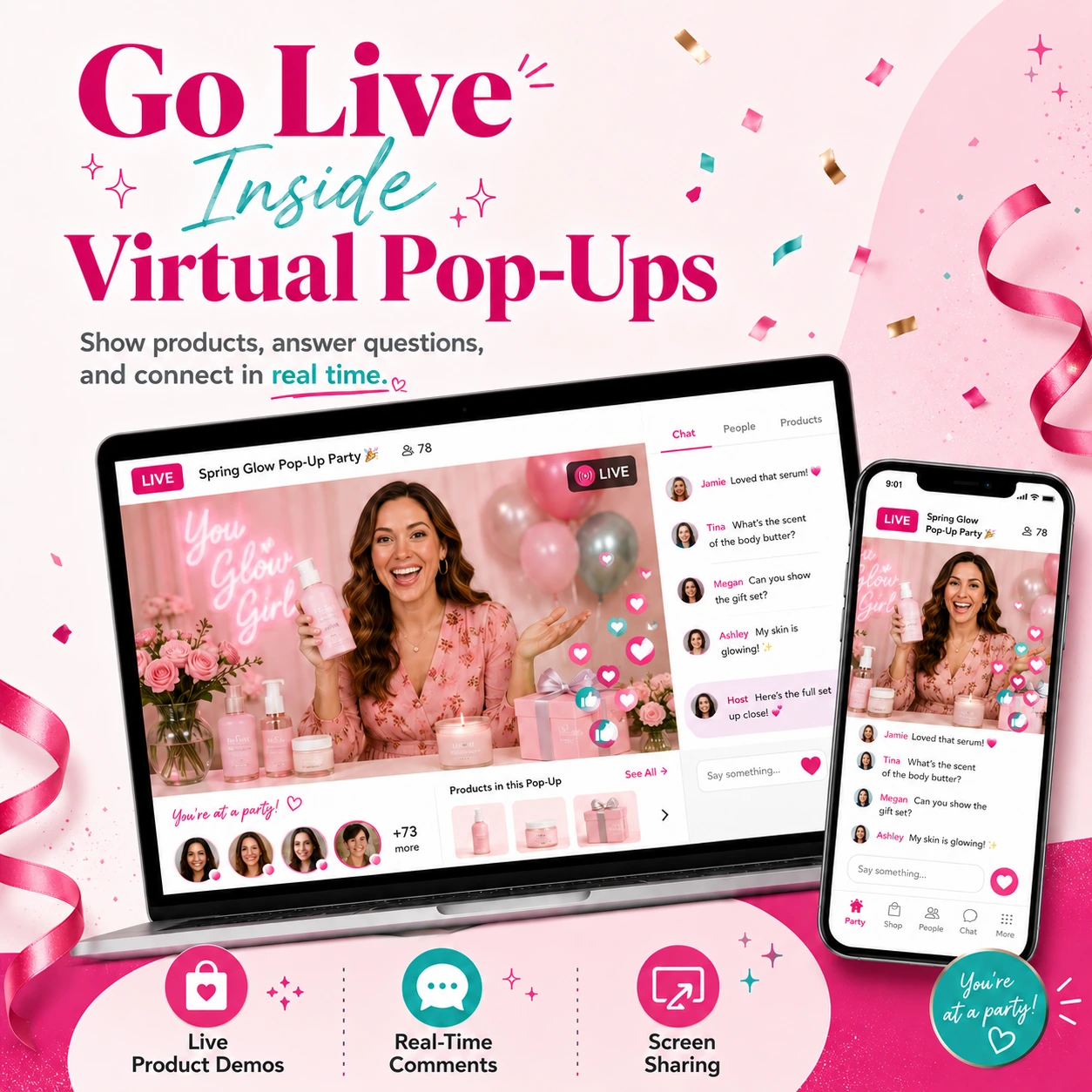
✔ Go live
✔ Keep conversations moving
✔ Follow up after the party
Every improvement we make is designed to help you run smoother parties and build a more repeatable business.
Because the goal is not just to run one party.
The goal is to make every party easier to manage, easier to repeat, and easier to grow from.
Quick Recap: What’s New
Here’s the simple version.
Feed Sorting
Guests, consultants, and party participants can sort the feed by newest first or oldest first.
Default Feed Sorting
Consultants and party owners can set the default feed order for each party from the dashboard.
Scheduled Posts View
Consultants and party owners can now see scheduled posts inside the party.
Edit or Delete Posts
Posts can be edited or deleted by the consultant, party owner, or the person who created the post.
Edit Comments
Comments can now be edited by the person who created the comment.
GIF Picker
GIFs can now be added to posts, comments, and chat.
Emoji Picker
Emojis can now be added to posts, comments, and chat.
Better Comment and Reply Notifications
Clicking a comment or reply notification should open the post with that specific comment or reply already loaded.
Ready to Try the New Updates?
These new Virtual Pop-Up updates are live now.
Log into your PostMyParty dashboard and try them in your next Virtual Pop-Up.
And as always, please keep sending us your feedback.
Your ideas, suggestions, and feature requests help us decide what to improve next.
Virtual Pop-Ups keep getting better because of you.