Your Next Party Just Got a Big Upgrade: 4 New Features Now Live in PostMyParty
Your next party could start with a lot less blank-page staring, a follow-up plan you don't have to keep in your head, and more ways to actually talk with your guests.
That's what this PostMyParty update is all about.
AI writing assistance, automatic email sequences for party RSVPs, interactive video meetings, and ongoing groups are now live. AI, RSVP email sequences, and interactive meetings are exclusive to Pro. Groups are available on both plans: 1 group on Basic or up to 5 on Pro. Interactive meetings are limited to 25 attendees during beta.
These aren't just four new things to explore. They're new ways to tackle the work that goes into a party: creating your content, following up with guests, answering questions, and keeping relationships going after the event ends.
Here's how to put them to work.
1. From “What Should I Write?” to a Draft You Can Work With
You have a party to promote. You know your products. But somehow, writing the invitation becomes the thing you keep putting off.
Sound familiar?
Available exclusively on Pro, the new AI Assistant helps you create and edit email templates, landing pages, and post copy. Instead of starting from nothing, you can get help turning an idea into words, then make those words your own.
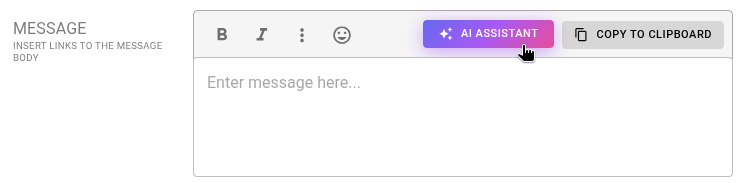
Use the AI Assistant to help draft a party invitation, refresh a product post, or start a question for your guests. Review and personalize the draft before sharing.
Try it for your next holiday party
Start with a specific request:
Write a friendly invitation for an online holiday gift party. It's for busy shoppers who need ideas for hard-to-shop-for friends and family. Keep it warm, short, and conversational.
Then give the draft your personal touch. Add your party details, check the product information, and change anything you wouldn't naturally say.
You can also use it to:
- Draft a landing page that explains who your party is for and why they should join.
- Turn a product idea into a question-led party post.
- Rewrite an email so it's shorter, clearer, or more conversational.
Already have a set of party posts? Use AI to rewrite them for a new season, audience, or product focus so you’re not sharing the same wording over and over.
For example, ask it to refresh a favorite product post for holiday gift shoppers while keeping your voice and ending with a new question. Review the result for accuracy before posting.
The email and landing page tools also help you create polished emails and good-looking landing pages without designing everything by hand, saving you time on both the words and the presentation.
You bring the product knowledge and personality. AI helps you keep your content fresh.
2. Give Every RSVP a Next Step
Getting someone to RSVP is exciting. But it's only the beginning of the conversation.
What do they need to know? What would help them feel comfortable joining in? What could get them thinking about the products before the party?
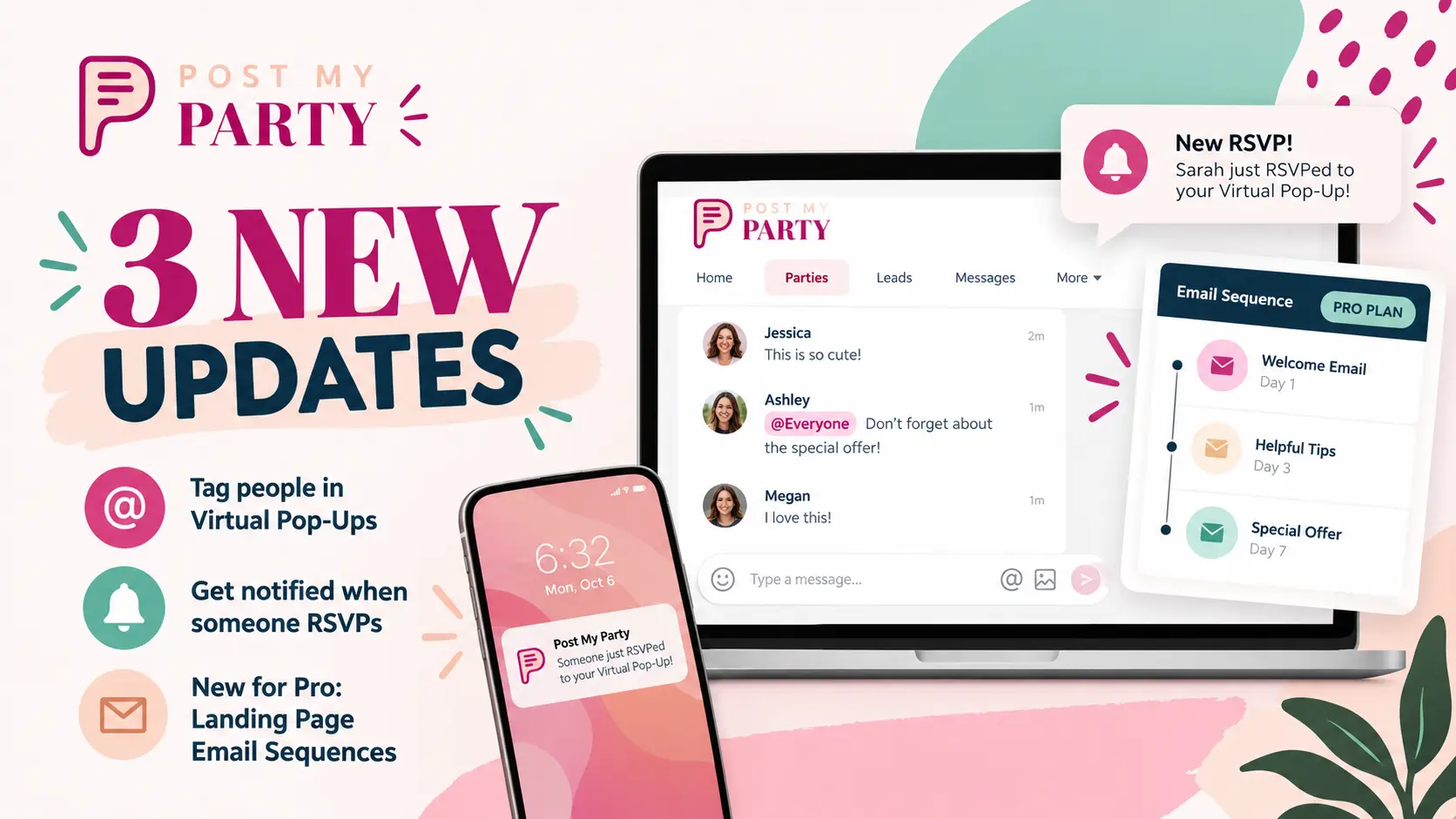
On Pro, email sequences for party RSVP forms let you set up automatic follow-up after a guest RSVPs. This is a Pro-only feature, just like email sequences for landing pages.
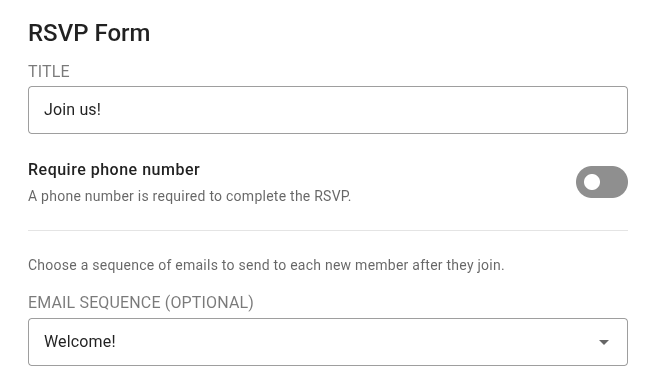
Choose a welcome email sequence in your party's RSVP settings so guests receive the party link, helpful instructions, and an invitation to reply.
Build a welcome that does more than say “You're in”
For a gift-themed party, you might write a sequence that:
- Welcomes your guest. Explain what the party is about, include the link back to your virtual pop-up, and tell them what to do when they arrive.
- Helps them get ready. Explain when activities are happening and invite them to think about who they're shopping for.
- Starts a useful conversation. Ask who they're shopping for and invite them to reply, opening the door to a one-on-one sales conversation through email.
That's a more thoughtful experience than leaving someone wondering what happens next.
Hosting a Facebook party? Email gives you another way to invite guests back and encourage participation, rather than relying only on Facebook group notifications. For a virtual pop-up, your emails can put the return link, instructions, and event details right in your guests' inboxes.
And because you've prepared the sequence ahead of time, you're not rewriting the same follow-up for every new RSVP.
Think through the conversation once, write your messages, and let your sequence help carry it forward.
3. Turn Viewers Into Conversation Partners
Sometimes showing a product isn't enough.
A guest wants to ask a question. Someone needs help choosing between two options. Another person wants to explain who they're buying for.
Those moments call for a conversation, not just a broadcast.
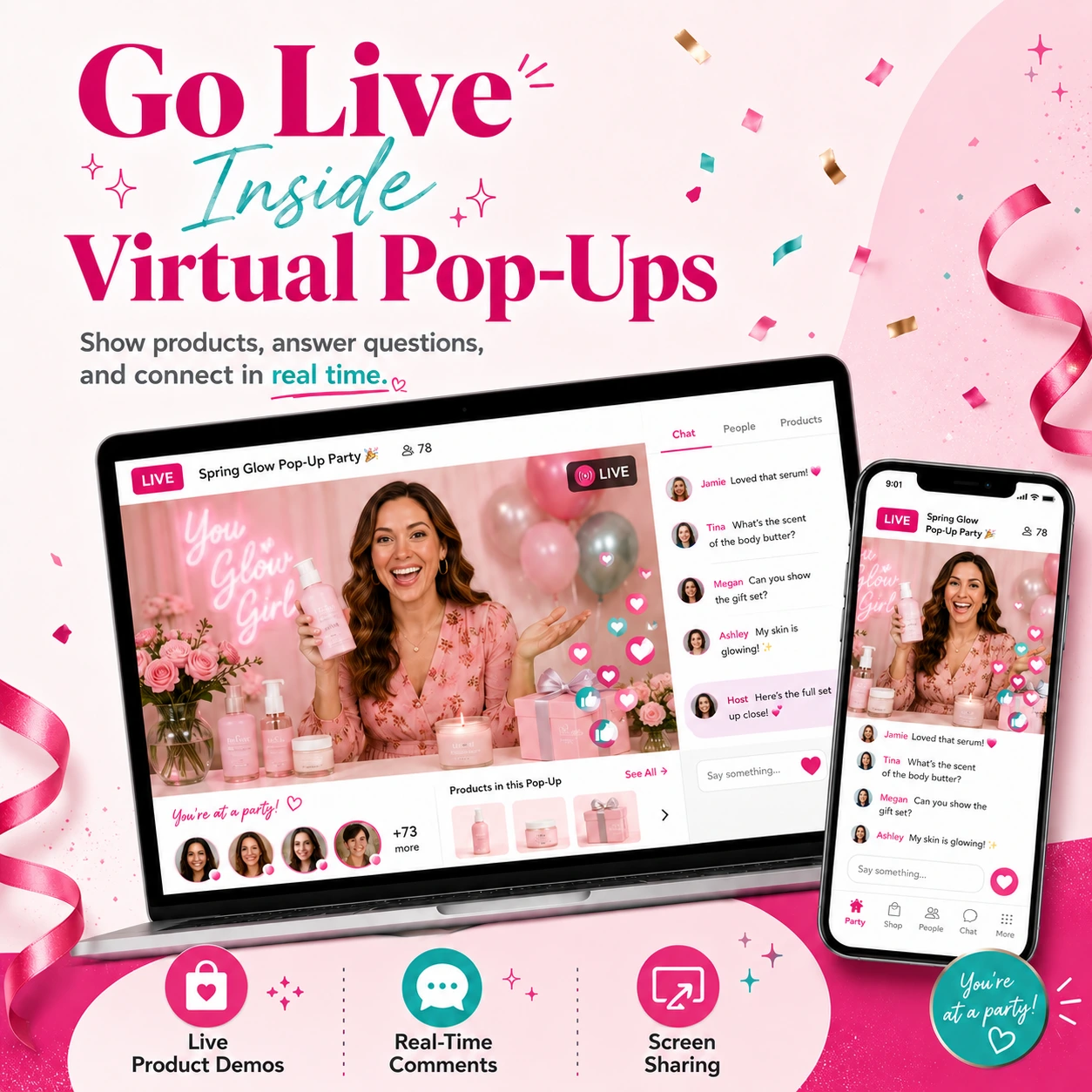
Available exclusively on Pro, new interactive video meetings give you a way to meet face-to-face in PostMyParty, with guests joining the conversation instead of only watching a livestream. During beta, meetings are limited to 25 attendees.
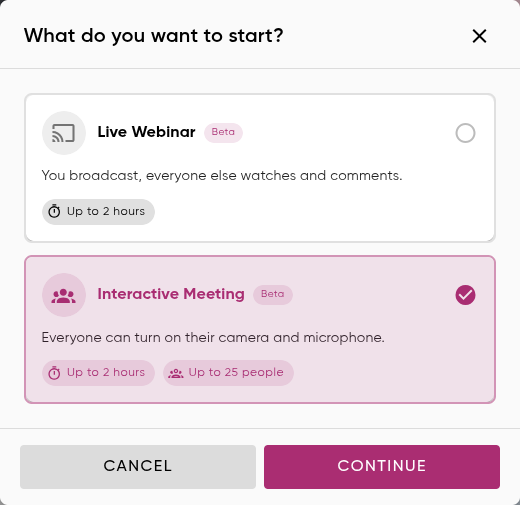
Choose Interactive Meeting for a party Q&A or small-group product demo where guests can turn on their cameras and microphones. Beta sessions support up to 25 people and up to 2 hours.
Bring your Zoom-style parties into PostMyParty
If you already host parties on Zoom, this is a way to bring that face-to-face format into PostMyParty without needing a separate Zoom subscription for those parties.
Use that time for a host-and-guest gift consultation or a small party Q&A, within the same 25-attendee beta limit.
And you don't have to choose between a live conversation and a virtual pop-up.
Combine your party posts with an interactive meeting, or use regular webinar-style livestreaming for a presentation.
Your guests can explore the posts and join you for a live conversation as part of the same party experience.
Imagine hosting a small gift-finder session.
Instead of running through every product, you invite guests to talk about the people on their shopping lists. You can ask questions, discuss options, and focus the conversation on what matters to them.
Or try:
- A product Q&A where guests can ask questions as you go.
- A small-group demonstration with room for discussion.
- A getting-started session for customers who want help using their purchases.
You don't have to turn every party into a meeting. Use this when a two-way conversation would make the experience better.
4. Keep the Connection After the Party Ends
You've brought people together. They've asked questions, shared ideas, and gotten to know you.
Virtual pop-ups and groups serve two different purposes.
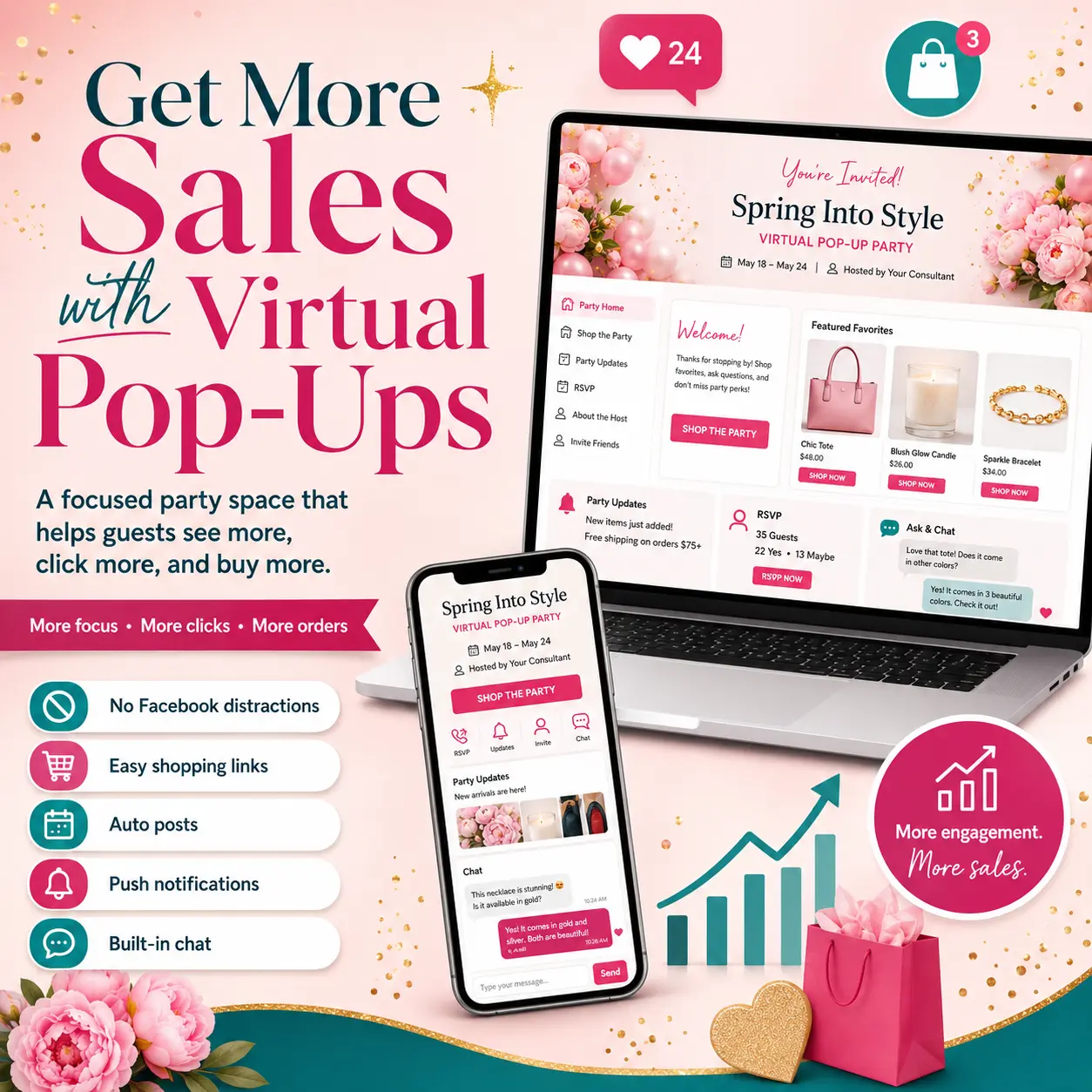
A virtual pop-up is for a sales party or short-term event. It's designed to pop up and disappear later.
A group is a permanent place to stay connected with your party guests and VIP customers between events.
New groups give you a permanent space beyond an individual party. Basic includes 1 group, perfect for a VIP customer community. Pro includes up to 5 groups, giving you room for separate customer communities and shared interests.
Give your customers somewhere to come back to
Create a VIP customer group where you share useful product tips, start conversations, and invite people to future events.
On Pro, you can also create separate customer groups around seasonal inspiration, gift ideas, or everyday product routines, within your 5-group limit. Use them to keep conversations going and invite members to a relevant party.
The key is giving people a reason to participate between parties, not just another place to see promotions.
Use your virtual pop-ups to introduce new people to you and your products. Then invite customers into your permanent VIP group so the relationship can continue. Share useful tips, ask what they'd like to see next, and invite interested customers to host a future party.
A pop-up creates the event. A group gives those relationships a home.
Put It All Together at Your Next Party
On Pro, here's one way all four features can work together:
- Before the party: Use AI to refresh your existing posts and help create your invitation, emails, and landing page.
- After guests RSVP: Send a welcome sequence with the return link, event instructions, and a question that invites a personal reply.
- During the party: Combine your virtual pop-up posts with an interactive video Q&A, with up to 25 attendees during beta.
- After the party: Invite customers into your permanent VIP group, continue the conversation, and ask interested guests about hosting a party of their own.
That's a new set of possibilities for how you plan, host, and follow through.
You don't have to use all four at once. On Pro, start with the part of your party process that feels hardest right now. On Basic, put your included group to work as a home for your VIP customers.
If writing slows you down, start with AI. If follow-up slips through the cracks, build your first sequence. If your guests need more conversation, try an interactive meeting. If you want to keep your customers connected, create a group.
Log in to PostMyParty and put one of these new features to work at your next party.
We can't wait to see what you create.
P.S. Struggling to get parties on your calendar or turn conversations into sales? Join the Inner Circle Mastermind for coaching, practical strategies, and accountability to help you get more bookings and make more sales.